Meta AI for Business
Meta AI for business is a set of AI tools inside Meta’s apps that help companies create ads, answer customers and automate routine messaging. The two parts that matter most...
Meta AI for business is a set of AI tools inside Meta’s apps that help companies create ads, answer customers and automate routine messaging. The two parts that matter most are generative creative tools in Meta Ads Manager (Advantage+ creative) and the Meta Business Agent, an AI assistant for WhatsApp, Instagram and Messenger. Availability depends on country, language, account type and feature.
Contents
- What does Meta AI for business include?
- Are Meta Business Suite AI features available in Georgia?
- Meta Business Agent: what it does and what it does not
- AI in Meta ads: Advantage+ creative and learning-phase limits
- What does Meta AI for business cost?
- How does Meta make money from business AI?
- A safe rollout workflow in six steps
- What not to do with Meta AI
- How to measure whether Meta AI is helping
- Frequently asked questions
- Sources
What does Meta AI for business include?
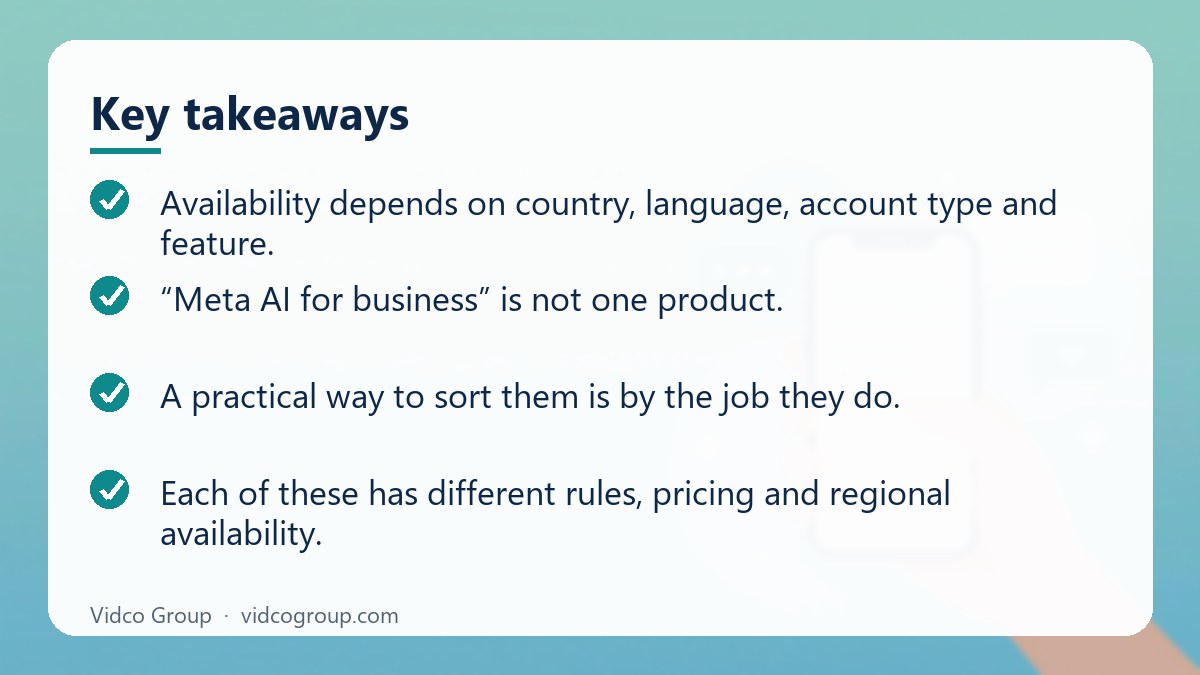
“Meta AI for business” is not one product. It is a family of features that sit in different places, which is why articles about it often contradict each other. A practical way to sort them is by the job they do.
| Job to be done | Where it lives | What AI does | Who it suits |
|---|---|---|---|
| Answer customers | WhatsApp Business, Instagram, Messenger | Meta Business Agent answers questions, recommends products, books appointments, qualifies leads and hands over to a person | Shops and service businesses with repetitive questions |
| Make ad creative | Meta Ads Manager (Advantage+ creative) | Expands images to new aspect ratios, generates backgrounds, writes text variations | Advertisers with limited design capacity |
| Find audiences and placements | Meta Ads Manager (Advantage+ campaigns) | Automates targeting, placement and budget distribution | Advertisers with steady conversion data |
| Draft messages and descriptions | WhatsApp Business app | Suggests replies, business descriptions and catalog text that a human reviews and sends | Small teams answering manually |
| Build custom agents at scale | Meta Business Agent Platform | Connects agents to systems such as Shopify and Zendesk | Larger companies with developers |
Each of these has different rules, pricing and regional availability. Before you plan around a feature, confirm that it appears in your own account. Meta rolls features out gradually and the interface you see can differ from a colleague’s even inside the same business portfolio.
Are Meta Business Suite AI features available in Georgia?
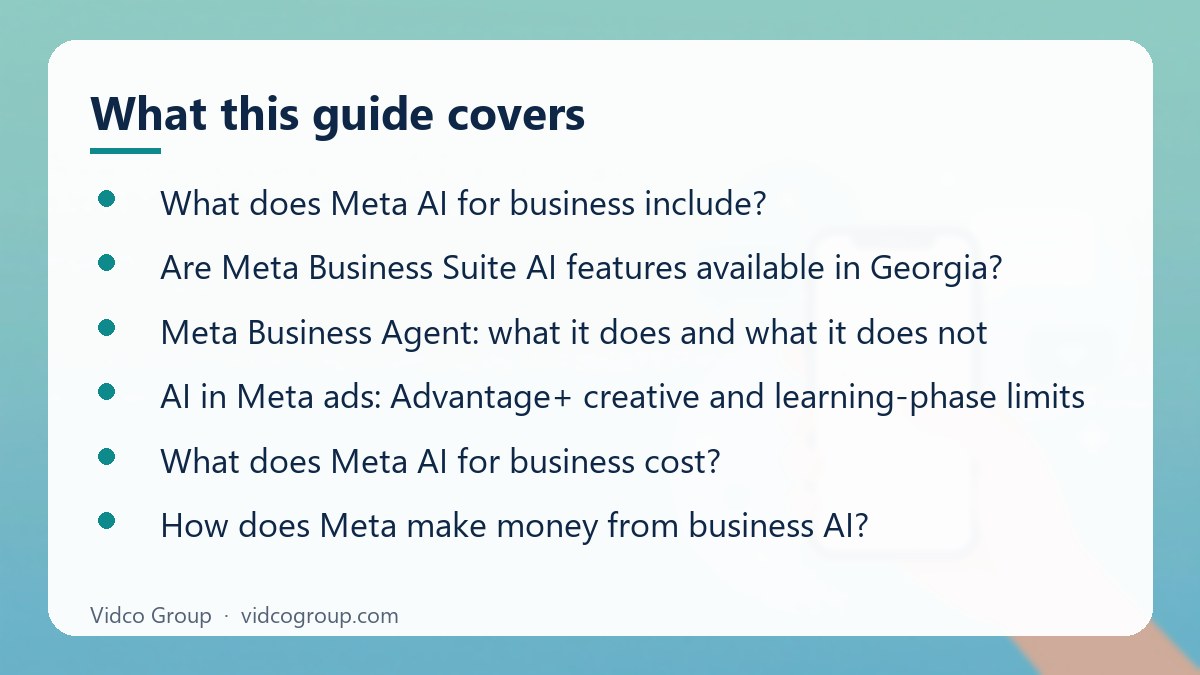
This is a frequent search, usually phrased as “meta business suite ai features availability georgia country”. The honest answer is that we could not verify a published, feature-by-feature availability list for the country of Georgia, and we do not want to invent one. What can be said responsibly is the following.
- Availability is per feature, not per product. Image expansion, text variations, the Meta Business Agent and WhatsApp AI drafting tools launch on separate schedules and can be gated by language, region, account age or account type.
- Meta announced the Meta Business Agent as a global rollout on 3 June 2026. TechCrunch reported that earlier testing took place in India and Mexico. A “global” announcement still does not guarantee that every feature, language and surface is active in every account on day one.
- Language matters. Meta states the agent replies in the customer’s local language and in the business’s tone. How well it handles Georgian is something you should test with real customer messages, because we found no official quality statement for that language.
- Your account settings decide what you see. Business location, ad account country, currency and permissions all influence which tools appear.
How to check availability in your own account
- Open Meta Business Suite and check that your business portfolio has the correct country and time zone under business settings.
- In Ads Manager, open a draft ad and look for the Advantage+ creative options. If a toggle is missing, the feature is not available for that campaign objective or account yet.
- On WhatsApp, Instagram and Messenger inboxes, look for the Meta Business Agent or AI setup option in the inbox or settings.
- Check Meta’s Business Help Center and the WhatsApp Business announcements for the latest notes. Search for the exact feature name.
- If you still cannot see it, contact Meta Business Support through your account rather than trying workarounds.
Do not use VPNs, proxies or a changed business address to unlock features. Misrepresenting your location can trigger security checks, and in the worst case account restrictions. If a feature is not available in your country, wait for the official rollout.
Meta Business Agent: what it does and what it does not
According to Meta’s WhatsApp Business announcement, the Meta Business Agent answers questions specific to your business, makes product recommendations from your catalog, books appointments, qualifies incoming leads and can handle customer service on WhatsApp, Messenger and Instagram. Meta says more than one million businesses were already using it on WhatsApp and Messenger. TechCrunch also reports that it learns from your Facebook Page, past conversations and website, and that you can upload catalogs or price lists.
Where it helps
- Opening hours, delivery areas, return policy, price list questions.
- First response outside office hours, so the customer is not left waiting overnight.
- Collecting basic lead details before a salesperson takes over.
- Booking simple appointments when your calendar rules are clear.
Where you should keep a human
- Complaints, refunds and anything with legal or financial consequence.
- Regulated services such as healthcare, finance and legal, where an incorrect answer carries real risk.
- Custom quotes, negotiated prices and exceptions to policy.
- Any conversation where the customer asks for a person. Set handoff rules so this always works.
Setup advice from practice
The quality of the agent depends on the source material. Before you switch it on, clean up your Page description, pin accurate FAQs, remove outdated prices from your website and make sure your catalog is correct. Run it in a limited test first: read the first fifty conversations yourself, note every wrong or off-brand answer and fix the underlying source, not just the symptom. Features such as daily briefings, market research and competitive insights were described as testing or planned, so do not build a process on them until they appear in your account.
AI in Meta ads: Advantage+ creative and learning-phase limits
Advantage+ creative groups several generative and automatic enhancements for ads. The ones most commonly described are image expansion (extending a square image into a vertical Stories or Reels format), background generation for product photos, and text variations that suggest alternative primary text and headlines. Individual enhancements are controlled at ad level in Ads Manager, and availability varies by campaign type, format, region and account. Meta’s own newsroom stated in September 2024 that more than a million advertisers had used its generative AI ad tools in a month, which shows that adoption is wide, but it is not a promise about your results.
The learning phase is the real limit for small budgets
Meta’s ad delivery system needs data. Meta documentation describes roughly 50 optimization events after the last significant edit for an ad set to leave the learning phase. If your budget is too small to produce that many purchases, leads or other chosen events, the ad set can be marked “Learning limited”. In that situation, more AI automation will not fix the problem. Better options are fewer ad sets, a higher-volume optimization event (for example add to cart instead of purchase), a consolidated budget, or a longer test period.
| Situation | What to try first | Why |
|---|---|---|
| Learning limited with a small budget | Merge ad sets and avoid frequent edits | Concentrates the limited events in one place |
| Few purchases but many leads | Optimize for the higher-volume event, then verify lead quality | Gives the system more signal |
| Creative fatigue | Add new angles and formats, not just AI variations of the same idea | Variations of one idea tire at the same rate |
| Product images look wrong after AI edits | Turn off background generation for that product | Customers need to see the real item |
| Text enhancements change meaning | Disable text improvements and use your approved copy | Protects claims, prices and brand voice |
We deliberately do not quote percentage lifts such as “X% lower cost per acquisition” here. Published figures depend on the account mix and testing method, and we could not verify them against a primary Meta source. Run your own test: split comparable ad sets, change one variable, and judge by cost per result after the learning phase.
What does Meta AI for business cost?
Costs depend on which part you use.
- Meta Business Agent. Meta states that getting started is free and that, in the coming months, businesses will access the agent through paid subscription offerings. Specific prices were not disclosed in the sources we checked. TechCrunch reported that it is included in WhatsApp Business subscription tiers and that large enterprises are charged by token usage. Check the current terms before you commit.
- Ad creative tools. These are features inside Ads Manager. You pay for the ads you run, not for the generative tools themselves, as far as the official materials show.
- WhatsApp messaging. The WhatsApp Business Platform moved from conversation-based to per-message pricing on 1 July 2025. Only template messages delivered outside a free window are billed, with rates by category (marketing, utility, authentication) and by recipient country calling code. Non-template messages inside the 24-hour customer service window are free. A 72-hour free entry point window opens when a business replies to a user who came from a Click to WhatsApp ad or a page button, and all message types are free inside it.
Older guides still describe per-conversation fees. That model is no longer current, so any budget built on it should be recalculated from Meta’s pricing page.
How does Meta make money from business AI?
Meta’s main income is advertising. Tools that make ads easier to produce and optimize encourage more advertisers to run more campaigns, which supports ad revenue. Messaging products add a second stream through WhatsApp Business Platform charges and, increasingly, subscriptions for premium business features. For a business owner the practical meaning is simple: free tools are designed to keep you inside Meta’s ecosystem and spending on its ads, so evaluate each feature against your own cost per customer, not against the platform’s enthusiasm.
A safe rollout workflow in six steps
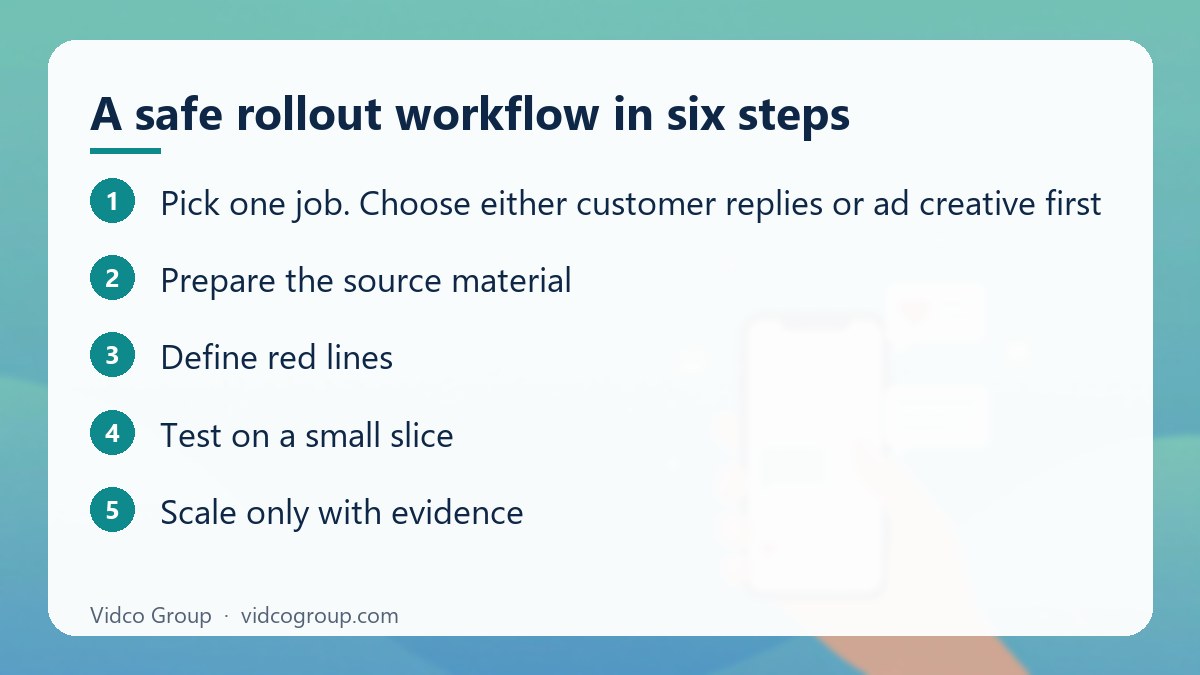
- Pick one job. Choose either customer replies or ad creative first. Doing both at once makes results impossible to read.
- Prepare the source material. Accurate Page information, catalog, FAQs and policies. The AI can only be as correct as these.
- Define red lines. List topics the AI must never answer alone: refunds, medical or legal advice, price exceptions, complaints.
- Test on a small slice. One product line, one campaign or one inbox. Read the outputs daily.
- Review weekly. Look at ad enhancements that were applied, wrong answers, handoff failures and customer complaints.
- Scale only with evidence. Expand when cost per result, response time and customer satisfaction are at least as good as your manual baseline.
What not to do with Meta AI
- Do not switch on every Advantage+ enhancement by default. Review each one. Text changes can alter claims, and visual edits can misrepresent the product.
- Do not rely on image expansion for artwork with text or logos. Generated edges can distort lettering. Provide ready-made vertical versions for important placements.
- Do not let an AI agent invent policies. If it lacks an answer, it should hand off or say it does not know.
- Do not use AI to fake reviews, testimonials or engagement. This breaks Meta’s rules and harms trust.
- Do not bypass regional limits with proxies or false business details. It creates account risk for a small gain.
- Do not treat third-party percentages as promises. Test on your data.
The popular advice that is incomplete
“Give the algorithm maximum freedom” is common advice in media-buying circles. It can work when you have plenty of conversion data and strong source creative. It is risky when the product depends on exact appearance, such as premium goods or regulated offers. A hybrid approach is safer: let automation handle placements and aspect ratios, and keep headlines, claims and key visuals under manual control until your tests show otherwise.
How to measure whether Meta AI is helping
| Area | Metric | Healthy signal |
|---|---|---|
| Ad efficiency | Cost per result after learning phase | Equal or lower than the manual baseline for the same objective |
| Creative production | Hours per batch of ad assets | Less time for similar quality |
| Creative quality | Click-through rate and landing page conversion | No drop in conversion from click to sale |
| Customer replies | First response time and resolution rate | Faster replies without more escalations |
| Risk | Wrong-answer rate, complaint count, ad disapprovals | Falling, not rising, over four weeks |
| Lead quality | Share of AI-qualified leads that sales accepts | Stable or improving |
Keep a baseline from the four weeks before you start. Without it you cannot tell whether a change comes from AI, seasonality or a new offer. For measurement beyond Meta’s dashboards, our AI share of voice and AI citation tracking guides explain how to monitor visibility in AI answers.
Frequently asked questions
What is Meta AI for business?
It is the set of AI tools Meta offers to companies, mainly generative ad creative tools in Ads Manager and the Meta Business Agent for customer conversations on WhatsApp, Instagram and Messenger. Each feature has its own availability and rules.
Is the Meta Business Agent free?
Meta says getting started is free and that access will move to paid subscription offerings in the coming months. Exact prices were not published in the sources we reviewed, so confirm in your account.
Is Meta Business Suite AI available in Georgia?
We could not verify an official country-by-country list for Georgia. Meta announced a global rollout of the Business Agent on 3 June 2026, but individual features and languages can differ. Check your own account and Meta’s Business Help Center.
Can Meta AI reply to customers in my language?
Meta states the agent replies in the customer’s local language. Quality varies by language, so test with real messages and keep a human handoff.
How many conversions does an ad set need to learn properly?
Meta describes about 50 optimization events after the last significant edit for an ad set to exit the learning phase. Fewer events can leave the ad set as “Learning limited”.
Does WhatsApp still charge per conversation?
No. The WhatsApp Business Platform has charged per delivered template message since 1 July 2025. Messages inside the 24-hour customer service window and the 72-hour free entry point window are free of charge as described in Meta’s documentation.
Will AI-generated ad creative hurt my results?
It can if used blindly. Test enhancements one at a time, compare against manual versions, and disable any that distort the product or change your claims.
Can I use Meta AI in a regulated industry?
You can, with stricter controls: restrict the topics the AI answers, keep human review for claims and compliance, and follow advertising rules for your sector.
Conclusion and next steps
Meta AI for business is useful when you apply it to one clear job, give it accurate source material and measure it against a manual baseline. Start with the area where you lose the most time, check that the feature exists in your account, and expand only after a month of clean data.
How Vidco Group can help: if you want a second opinion on your Meta setup, our team can review your account structure, creative workflow and measurement plan. See our services or contact us.
Sources
- WhatsApp Business: Introducing Meta Business Agent
- TechCrunch: Meta’s AI agent for WhatsApp Business is now available globally (3 June 2026)
- Meta for Developers: WhatsApp Business Platform pricing
- Meta Newsroom: Meta’s AI product news (September 2024)
- Meta for Business: Advantage+
Updated: October 2026.
Need an SEO, AEO or GEO strategy?
The Vidco Group team is ready to work with you