SEO Alerts Worth Setting Up (and the Noisy Ones to Skip)
Which SEO alerts are worth setting up? Set up alerts only for events that are both serious and actionable: the site or key pages becoming unreachable, robots.txt changing outside a...
Which SEO alerts are worth setting up? Set up alerts only for events that are both serious and actionable: the site or key pages becoming unreachable, robots.txt changing outside a release, a new noindex directive on important URLs, an SSL certificate nearing expiry, and a sudden organic traffic loss. Skip alerts for every ranking movement, every new backlink and every minor crawl fluctuation, and review those on a weekly or monthly schedule instead.
Most SEO alert systems create more work than protection: a daily email for every ranking movement, every new backlink and every small crawl variation. The useful alerts are different: rare, high-impact events with a clear owner, a threshold, and a response that can start immediately. This guide gives the filter, starting thresholds, routing rules, an alert register template, a worked example and a 30-day rollout plan.
Contents
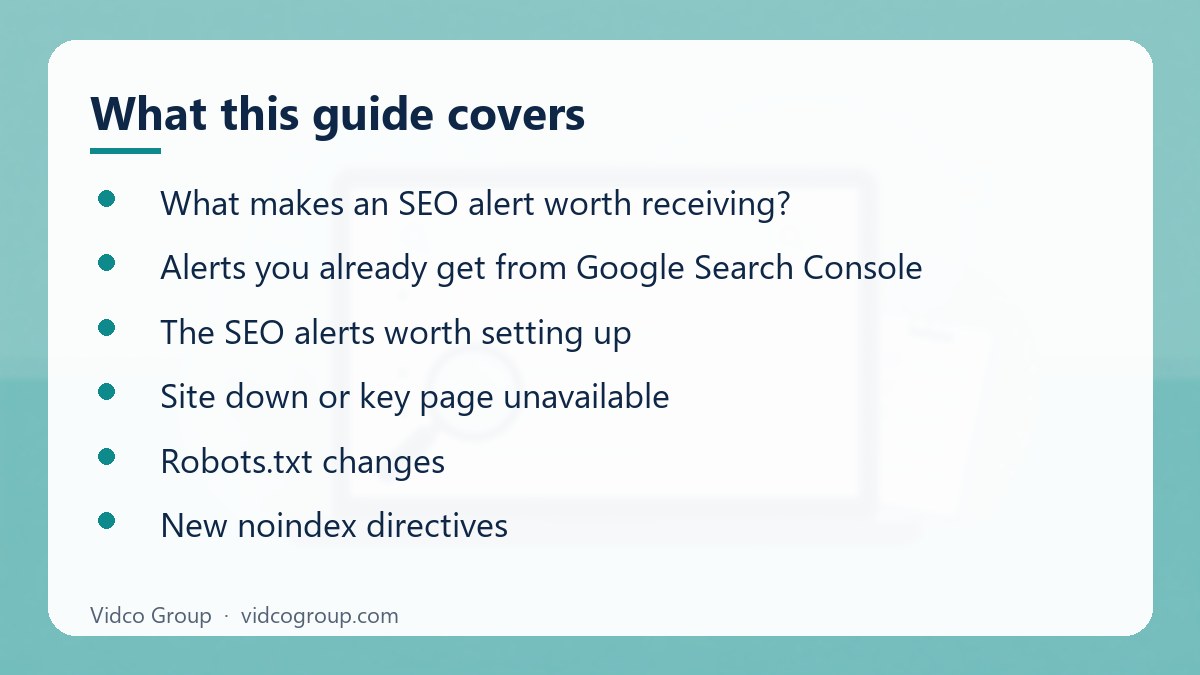
- What makes an SEO alert worth receiving?
- Alerts you already get from Google Search Console
- The SEO alerts worth setting up
- Site down or key page unavailable
- Robots.txt changes
- New noindex directives
- SSL certificate expiry
- Sudden organic traffic loss
- Alerts that should usually be disabled
- How to route and document each alert
- A worked example: one alert from trigger to closure
- Common mistakes
- A 30-day setup plan
- Frequently asked questions
- Sources
What makes an SEO alert worth receiving?
A good alert answers four questions without further investigation:
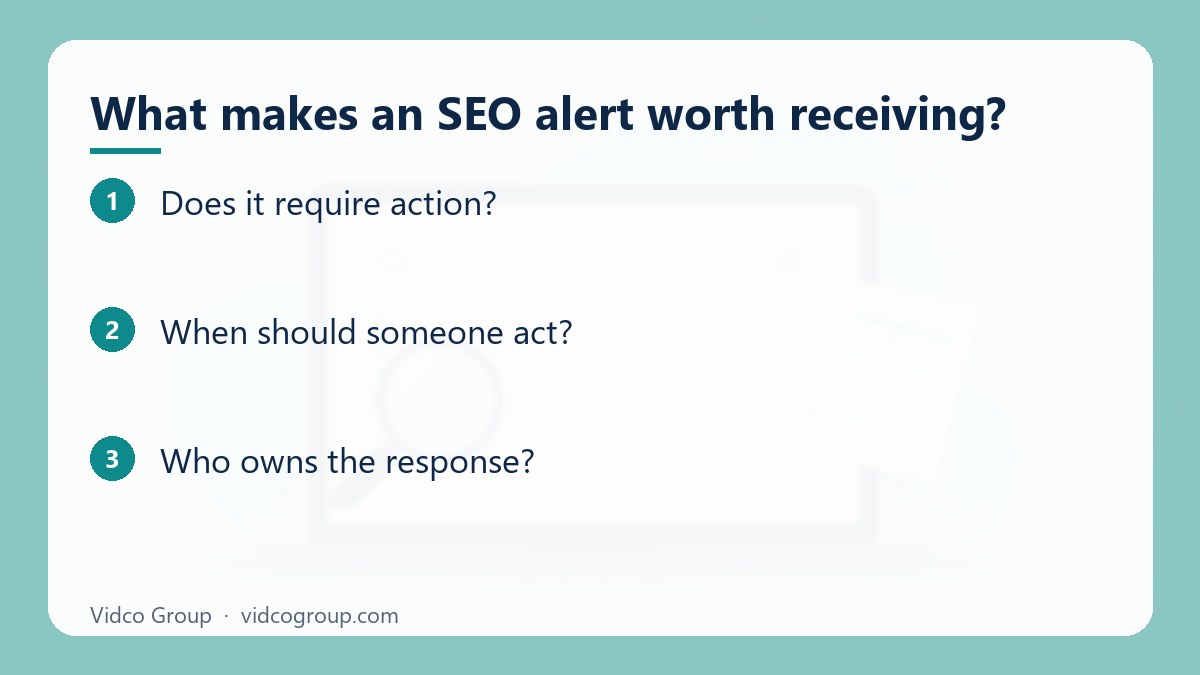
- What happened? The event is described in plain language, such as “robots.txt changed” or “organic sessions fell 40%.”
- Does it require action? The event could cause material traffic, revenue, indexing or trust problems.
- When should someone act? The alert defines a time limit: immediately, within one business day, or during the next technical sprint.
- Who owns the response? A developer, SEO lead, content lead, hosting provider or security contact is assigned before the alert fires.
The best setup is usually a small number of alerts delivered to the right channel. Send incidents requiring immediate intervention to email, SMS or an incident-management channel. Send lower-risk changes to a weekly digest. Do not route every notification to the same inbox: that trains people to ignore all of them.
Set a baseline before choosing thresholds. For traffic, use comparable days or weeks rather than a single previous day. For example, compare Tuesday morning with the median of the previous four Tuesdays. For technical files, store the last known-good version so a change can be reviewed quickly.
| Test | Pass | Fail (do not alert) |
|---|---|---|
| Severity | Could cost traffic, revenue, indexing or trust within days | Cosmetic or within normal volatility |
| Actionability | A named person can do something specific | Nobody can act, or the right action is “wait and see” |
| Rarity | Expected a few times per year at most | Fires weekly or daily |
| Context | Includes URL, scope, timestamp and last known-good state | Says only “something changed” |
Alerts you already get from Google Search Console
Before adding paid tools, check what you already receive. Google Search Console sends email notifications to verified owners and users about important issues on a property, such as security problems, manual actions and certain indexing or enhancement issues. You cannot fine-tune every message type, so the practical task is making sure the right people are verified on the property and that those emails reach a monitored mailbox, not a former employee’s inbox.
- Security issues and manual actions: treat any such message as urgent. Google documents both in Search Console Help, including how to request a review after fixing a manual action.
- Indexing and coverage changes: useful as a prompt to investigate, but they arrive after the problem exists, so they complement rather than replace your own monitoring.
- Performance data: Search Console shows clicks, impressions and average position, but it does not alert you in real time to a traffic drop. Pair it with analytics anomaly detection or scheduled checks.
Google Analytics 4 also supports custom insights, which can notify you when a metric such as sessions from organic search crosses a threshold or changes unusually. Cross-check any drop in analytics against Search Console clicks and impressions before escalating.
The SEO alerts worth setting up
| Event | Alert? | Suggested threshold | Who handles it | Initial action |
|---|---|---|---|---|
| Site or key templates unavailable | Yes: urgent | Any failed check for 2 consecutive minutes, or 3 failures in 5 minutes | Developer or hosting owner | Check availability, server errors, deployment history and hosting status |
| Robots.txt changed | Yes: review promptly | Any production change outside a planned deployment | Technical SEO lead and developer | Compare the new file with the approved version; check blocked paths |
| Noindex directive appears | Yes: urgent for important URLs | Any new noindex on an indexable template or 10+ priority URLs | Developer and SEO lead | Identify source, scope and whether the directive is in HTML or HTTP headers |
| SSL certificate nearing expiry | Yes | Warnings at 30, 14 and 3 days before expiry | IT, DevOps or hosting owner | Renew, deploy and test the full certificate chain |
| Organic traffic drops suddenly | Yes: investigate | More than 30% below the comparable baseline for 2 hours, or 20% for a full day | SEO lead, with analytics and development support | Separate tracking failure from a real demand, ranking or indexing change |
Site down or key page unavailable
Availability is the highest-priority technical alert because every other SEO signal becomes less useful when users and crawlers cannot reach the site. Monitor the homepage, a representative category or service page, a product or article page, and the main conversion path. A homepage check alone can miss a broken application route, database failure or regional outage.
Use checks from more than one location if the business serves multiple markets. Alert on a persistent failure rather than one isolated timeout, because transient network errors create noise. A practical rule is two consecutive minutes of failure or three failed checks within five minutes. For a revenue-critical site, page-level checks can use a shorter threshold, provided the on-call owner is actually available.
The alert should include the URL, HTTP status, response time, check location and timestamp. A 500 error requires a different response from a 301 loop or a 200 response containing an error page. Ask the technical owner to check recent deployments, DNS, hosting, application logs and third-party dependencies before anyone changes SEO settings.
| Symptom in the alert | Likely area to check first |
|---|---|
| 5xx errors on many URLs | Application or server failure; recent deployment; resource limits |
| Timeouts from one region only | CDN, DNS or regional network issue |
| 301 or 302 loop | Redirect rule, HTTPS or www configuration |
| 200 status with an error page | Application error handling returning the wrong status code |
| Certificate or handshake errors | Expired or misconfigured certificate |
Robots.txt changes
A robots.txt file can change the crawl path for an entire site through one line. An accidental Disallow: /, a blocked JavaScript directory, or an environment-specific rule copied into production can reduce crawler access immediately.
Do not alert on every whitespace change. Alert when the file differs from the approved production version, when a new Disallow rule is added, when a previously open path becomes restricted, or when the file becomes unavailable or invalid. Keep a versioned copy and include a readable diff in the notification.
Not every robots.txt change is harmful. Blocking internal search results, test folders or duplicate parameter paths may be intentional. The correct response is review against the release ticket, not automatic rollback. An SEO lead should own the impact assessment, while a developer controls the deployment. Remember that robots.txt controls crawling, not indexing: Google’s documentation explains that a blocked URL can still appear in results without a description if it is linked elsewhere, so use the right tool for the job.
New noindex directives
A new noindex directive on a high-value page is one of the clearest actionable SEO alerts. It can come from a template change, a CMS setting, a staging-to-production mistake, or an HTTP response header rather than the visible HTML.
Monitor priority URL groups instead of treating every URL identically. For example, alert immediately if a noindex appears on a homepage, money page, category template, or more than 10 indexed articles. A noindex on a deliberately excluded thank-you page should not page the technical team.
The alert should state whether the directive is in a meta robots tag or an X-Robots-Tag header, which template produced it, and how many URLs are affected. Check whether the problem is paired with a canonical change, a blocked crawl path or a deployment. Removing the directive is not enough if the underlying template logic will add it again. Note the interaction with robots.txt: if a page is blocked from crawling, search engines may never see its noindex tag, so review both together.
SSL certificate expiry
Certificate expiry can prevent access, generate browser warnings, and interrupt crawling or conversions. Set multiple reminders rather than a single notification: 30 days gives time to coordinate renewal, 14 days catches ownership or deployment issues, and 3 days is an escalation point.
Monitor the certificate actually served on production domains, including important subdomains and alternate hostnames. Check the expiry date, hostname coverage, certificate chain and HTTPS redirect. A certificate can be valid for the main domain while an important subdomain has expired. If you use automated issuance such as Let’s Encrypt, do not assume renewal always works: expiry emails exist because automation can silently fail, and a failed renewal job is exactly the kind of event this alert should catch.
The owner is usually IT, DevOps or the hosting provider, not the content team. SEO should be included because the business impact includes lost access and trust, but SEO staff should not be expected to renew infrastructure without the required permissions.
Sudden organic traffic loss
Traffic alerts are useful only when they distinguish a meaningful change from normal volatility. Start with separate baselines for brand and non-brand traffic, mobile and desktop, country, landing-page type, and organic search engine where relevant. A single blended number can hide a serious loss in one commercial segment.
Use a threshold such as 30% below the comparable baseline for two consecutive hours, or 20% below baseline for a complete day. Adjust for seasonality, holidays, campaigns and known tracking changes. A small site may need a percentage and an absolute threshold together: for example, a 50% fall and at least 100 fewer organic sessions in a day.
First determine whether the alert reflects measurement failure. Check the analytics tag, consent settings, data pipeline, deployment history and reporting delay. Then check indexed pages, server status, search visibility, major landing pages and query groups. Do not immediately rewrite content or disavow links. A tracking outage can look exactly like an SEO collapse in a dashboard.
| Check order | Question | If yes |
|---|---|---|
| 1 | Did the analytics tag or consent setup change recently? | Fix measurement first; compare with Search Console clicks |
| 2 | Is the site reachable, with correct status codes? | Escalate to the availability runbook |
| 3 | Did robots.txt, noindex or canonicals change? | Escalate to the relevant technical alert |
| 4 | Are impressions down, or only clicks? | Impressions down suggests visibility or indexing; clicks only suggests result-page changes or snippet issues |
| 5 | Is the loss in one segment (country, device, template)? | Investigate that segment before site-wide action |
Alerts that should usually be disabled
Every ranking change
Ranking movement is noisy because results vary by location, device, search features, personalization, competition and testing. A keyword moving three places is not automatically an issue, even if the movement appears in a daily rank tracker.
The popular advice to “monitor every keyword every day” is wrong for most marketing teams. It encourages tactical reactions to random movement and consumes attention that should go to pages, conversions and technical incidents. Use a weekly or monthly trend review instead. Create an alert only for a meaningful business condition, such as a priority cluster losing more than 30% of its visibility for two consecutive weekly observations, followed by human validation.
Every new backlink
Most new backlinks are not urgent. Automated discovery can include directories, scraped pages, redirects, social profiles and low-value sites that require no response. Alerting on each one turns a useful link dataset into an inbox stream.
Use a digest or a review queue. Escalate only when a link pattern could create a real risk or opportunity: a sudden burst of thousands of referring pages, a suspicious anchor-text pattern across many domains, links pointing to an unexpected destination, or a valuable editorial mention that deserves a relationship response.
Do not request removal or disavow links simply because a third-party metric labels them “toxic.” Popular scoring systems are prioritisation aids, not proof of a search penalty. Investigate scale, intent, relevance and whether there is evidence of manipulation before taking action.
Every crawl or indexation fluctuation
Small changes in crawled URLs, discovered URLs or indexed pages are normal. An alert for every fluctuation produces false positives from reporting delays, canonical consolidation, expired content and ordinary search-engine processing.
Instead, alert when an important URL set changes materially. A reasonable starting point is a 20% reduction in indexed priority URLs over seven days, a group of 50 or more commercial pages dropping from index coverage, or a sustained increase in server errors above 5% of crawl requests. These are starting thresholds, not universal rules; validate them against the site’s normal range.
| Noisy alert | Better replacement | Cadence |
|---|---|---|
| Any keyword moves | Priority cluster visibility trend | Weekly review |
| Any new backlink | Digest plus anomaly rule for bursts or odd anchors | Weekly digest |
| Any change in crawled or indexed URLs | Indexed priority URL set change above a set percentage | Daily check, alert only on threshold |
| Every Core Web Vitals score change | Template-level regression after a release | Release checklist and monthly review |
How to route and document each alert
Every alert needs an owner, severity, channel and runbook. Put these fields in a simple register:
- Event: the exact condition being monitored.
- Threshold: the number, duration or scope that triggers it.
- Severity: urgent, same-day review or weekly review.
- Owner: one person or team accountable for the first response.
- Backup: who covers holidays and out-of-hours incidents.
- Runbook: the first five checks and the escalation path.
- Suppression rule: when planned deployments or maintenance should mute the alert.
- Review date: when the threshold will be reassessed.
| Severity | Response window | Channel | Examples |
|---|---|---|---|
| Urgent | Start within minutes to one hour | SMS, phone or incident channel plus email | Site down, new noindex on key templates |
| Same-day review | Within one business day | Email or team chat | Robots.txt change, traffic loss over threshold |
| Planned | Next sprint or scheduled review | Weekly digest | Certificate at 30 days, ranking trends, backlink digest |
Keep urgent notifications rare enough to be credible. A small business might budget roughly £20 to £100 per month for basic monitoring and alert delivery, while larger or multi-region sites may spend several hundred pounds monthly once synthetic checks, log monitoring and incident routing are included. Treat those as planning ranges, not fixed software prices; evaluate coverage, check frequency, historical data, integrations and support before buying.
A worked example: one alert from trigger to closure
This is an illustrative scenario, not a client case. A retailer deploys a new product-template release on a Tuesday afternoon. At 16:10 the noindex monitor fires: 340 product URLs now return a noindex robots meta tag. The alert names the template, the source (HTML meta tag, not an X-Robots-Tag header) and the affected URL count.
- 16:10, alert fires: routed to the developer on call and the SEO lead because the threshold (10+ priority URLs) is exceeded.
- 16:20, triage: the SEO lead confirms the tag in live HTML and checks the release ticket. The tag was intended only for a staging banner template.
- 16:45, fix: the developer removes the staging condition from the production template and redeploys.
- 17:00, verification: the monitor confirms the tag is gone; the team spot-checks ten URLs and requests re-inspection of the most important ones in Google Search Console.
- Next day, closure: the register records cause, time to detect, time to fix and a new release checklist item to scan for robots meta tags before go-live.
The value of the alert here is time to detection: without it, the team would likely have learned about the problem from a weekly traffic report, after crawlers had already revisited many pages.
Common mistakes
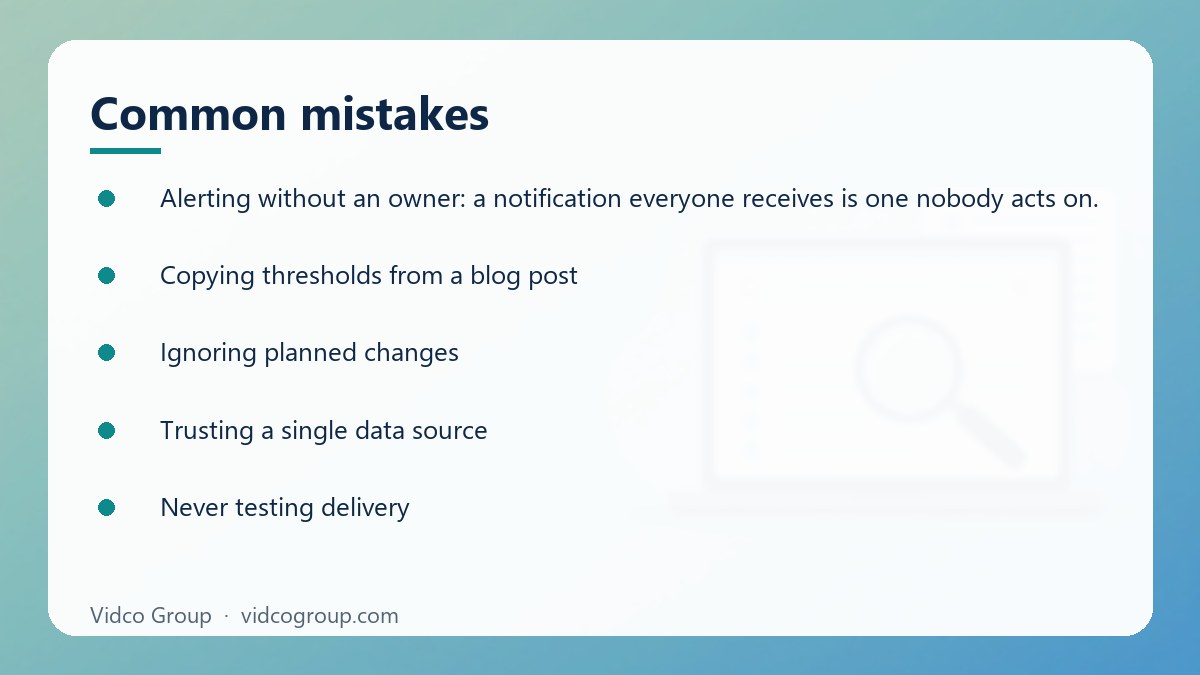
- Alerting without an owner: a notification everyone receives is one nobody acts on.
- Copying thresholds from a blog post: thresholds in this guide are starting points; validate them against your normal range.
- Ignoring planned changes: no suppression rule means every release creates false alarms and trains people to dismiss alerts.
- Trusting a single data source: verify rank-tracker drops and analytics drops against Search Console before escalating.
- Never testing delivery: an alert that goes to a dead mailbox is worse than none because it creates false confidence.
- Never reviewing: sites change; thresholds and owners should be reassessed on a schedule.
A 30-day setup plan
- Days 1 to 5: list the pages, templates, domains, subdomains and infrastructure components whose failure would affect revenue or organic visibility.
- Days 6 to 10: record baselines for organic traffic, priority URL counts, server errors, certificate dates, robots.txt and indexable templates.
- Days 11 to 15: configure site availability, robots.txt, noindex, certificate and traffic-loss alerts with named owners.
- Days 16 to 20: write a short runbook for each alert and test delivery during a planned maintenance window where possible.
- Days 21 to 30: review false positives, missed events, response times and alert volume. Raise thresholds for noisy alerts and add scope to alerts that are too broad.
The goal is not to monitor everything. The goal is to detect a small set of expensive failures early enough for someone with the right access to fix them. Keep alerts for site outages, robots.txt changes, new noindex directives, certificate expiry and genuine traffic drops. Move ranking movement, routine backlinks and minor crawl variation into scheduled analysis. That balance makes SEO alerts operational protection rather than another source of dashboard noise.
Frequently asked questions
Which SEO alerts are worth setting up?
Five cover most of the risk: site or key page unavailable, robots.txt changes, new noindex directives, SSL certificate expiry and sudden organic traffic loss. Each is rare, high-impact and has a clear owner.
Should I set up ranking alerts?
Usually not for individual keywords. Rankings fluctuate with location, device and search features. Review trends weekly or monthly, and alert only when a priority cluster loses a large share of visibility across consecutive observations.
Does Google Search Console send alerts automatically?
Yes, it emails verified owners and users about important issues such as security problems and manual actions. It does not replace uptime, robots.txt, noindex or traffic monitoring, so treat it as one layer in a wider setup.
How quickly should a traffic-drop alert fire?
A common starting point is a drop of more than 30% below the comparable baseline for two hours, or 20% for a full day, adjusted for seasonality and known changes. Tune it to your site’s normal volatility.
How many alerts is too many?
If people start ignoring or filtering notifications, you have too many. Keep urgent alerts rare enough that each one prompts action, and move everything else into a digest.
Who should own SEO alerts?
Ownership follows the fix, not the discipline. Developers or hosting owners usually own availability and certificates; an SEO lead owns impact assessment for robots.txt, noindex and traffic changes. Name both a primary and a backup.
How much does SEO alerting cost?
As a planning range only, a small business might budget roughly £20 to £100 per month for basic monitoring and alert delivery, with larger or multi-region sites spending several hundred pounds a month. Compare coverage, check frequency, history, integrations and support rather than headline price.
Can I rely on automated tools without human review?
No. Tools detect events; people judge impact. Every alert should lead to a short, documented check so that a false positive is dismissed deliberately and a real incident gets a clear owner.
Next step
Start with the register: list the five alerts above, assign an owner and a backup to each, and set the first thresholds from your own baselines. Then test delivery before relying on any of it. For the checks that surface these problems during an audit, read what a site audit actually checks, and for deciding what to publish next, see content research: finding what already works.
Vidco Group can help: if you want a second pair of eyes on your monitoring setup, Vidco Group can review your current alerts, thresholds and ownership and recommend what to keep, tighten or remove. See our services and pricing, or contact the team.
Sources
- Google Search Console Help: About Search Console
- Google Search Console Help: Manual actions report
- Google Search Central: Introduction to robots.txt
- Google Search Central: Block Search indexing with noindex
- Let’s Encrypt: Expiration emails
Updated: October 2026. Thresholds and price ranges are planning starting points, not guarantees; validate them against your own site’s baseline.
Need an SEO, AEO or GEO strategy?
The Vidco Group team is ready to work with you