Google Cache Is Gone: What to Use Instead
What is the best Google cache alternative? There is no single one-to-one replacement, because Google retired both the cache link and the cache: operator. Match the tool to the question:...
What is the best Google cache alternative? There is no single one-to-one replacement, because Google retired both the cache link and the cache: operator. Match the tool to the question: use Google Search Console URL Inspection to see what Google last crawled and rendered, the Internet Archive’s Wayback Machine to see how a page looked in the past, and a live rendering check to see what the page serves right now.
Contents
- What happened to Google Cache?
- What is the best Google cache alternative for each job?
- URL Inspection: Google’s own view
- Wayback Machine: page history
- Live rendering check: what the page does now
- What about Bing, archive.today and other cache viewers?
- Common mistakes after Google Cache disappeared
- A practical investigation workflow
- When to use which tool: decision table
- Frequently asked questions
- Sources
What happened to Google Cache?
Google removed the “Cached” link from search results in early 2024 and confirmed the retirement publicly. Google’s Search Liaison, Danny Sullivan, explained that the cache existed from a time when pages often failed to load, and that the web had since become far more reliable. He also said the cache: operator would go away too, which it later did. In September 2024, Google added a path to the Internet Archive’s Wayback Machine inside the “About this result” panel (open the three-dot menu next to a result, then choose the “more about this page” option), which opens archived captures from the Internet Archive rather than any Google-hosted copy.
Two consequences matter for SEO work:
- A failed
cache:query proves nothing about the page. It does not mean the URL is blocked, deindexed, broken or absent from Google. It only means the old interface no longer exists. Google can still crawl and index a URL without showing anyone a cached copy. noarchiveno longer does what it used to. Google’s robots meta tag documentation now states that thenoarchiverule is no longer used by Google Search to control whether a cached link is shown, because the cached link feature no longer exists. If an older guide tells you to addnoarchiveto hide your cached copy from Google, that advice is out of date.
Google Cache was also easy to over-interpret even when it worked. The stored copy was not necessarily current, it did not capture every script, asset or response header, and it never showed what a logged-in or personalised visitor saw. It was a convenient shortcut, not a substitute for server logs, Search Console, a crawler or a rendering test.
What is the best Google cache alternative for each job?
Start with the question you are trying to answer, not with a tool picked out of habit. Historical research and current indexing diagnostics need different evidence.
| What you used Google Cache for | Current replacement | What it can tell you | Important limitation |
|---|---|---|---|
| Check what Google recently crawled | Google Search Console URL Inspection | Index status, user-declared and Google-selected canonical, crawl details, crawled HTML and, in a live test, a rendered screenshot | Needs access to the property; not a full crawl history |
| See an older version of a page | Internet Archive Wayback Machine | Dated snapshots of a URL | Captures can be missing or incomplete; assets may not be archived |
| Check whether JavaScript produces usable content | Live rendering check (browser DevTools, rendering-capable crawler, Rich Results Test) | Current DOM, visible text, links, status and redirects | Your browser is not Googlebot; sessions and cookies change what you see |
| Find out why a page changed or disappeared | Deploy history, server logs, Search Console and Wayback together | Timing of releases, crawls, redirects and past page states | No single source proves the full chain of events |
| Check whether crawlers can reach a URL | HTTP request, robots.txt review, URL Inspection live test | Status code, redirect chain, blocking rules, Google’s current inspection result | Being accessible does not guarantee indexing or rankings |
In most investigations the strongest process uses two or three sources together rather than hunting for one tool that does everything.
URL Inspection: Google’s own view of a page
When the question is “what did Google fetch and render?”, begin with the URL Inspection tool in Google Search Console. Enter the exact URL, including protocol, subdomain, path, relevant parameters and trailing-slash behaviour. Inspecting the wrong URL variant gives a perfectly accurate answer to the wrong question.
According to Google’s documentation, the tool has two modes that answer different questions:
- Indexed result: what Google processed on its last crawl. It shows whether the URL is on Google, whether indexing is allowed, the declared and selected canonical, discovery method and last-crawl information, plus enhancement data such as structured data.
- Live test: whether Google can fetch the URL right now, whether robots.txt or
noindexblocks it, and what the rendered page looks like. The screenshot and console output are available for the live test.
The “View crawled page” option shows the HTML, HTTP response and loaded resources, which is the closest thing left to the old cache view for diagnostic purposes, although it is not a stored public copy.
What to check in the rendered output
- Main content: is the primary copy present after scripts run, or does it need a click, login or delayed interaction?
- Internal links: are key links real, crawlable anchor links pointing to the intended canonical URLs?
- Title, meta description and robots directives: do they match what your template should output?
- Canonical: compare declared and Google-selected canonicals. A mismatch is a lead to investigate, not automatic proof of an error.
- Structured data: is the JSON-LD present in the inspected version? Validate it separately before assuming it is eligible for rich results.
- Resource failures: look for blocked or failed scripts and styles that hide content or links.
Run both the indexed inspection and the live test after a recent release. The indexed view answers what Google last processed; the live test answers what Google can access now. If you fixed a template two hours ago, the indexed view may still show the old state even though the live test is clean. Also remember that “URL is on Google” is a broad status. It does not certify that every product description, review or faceted link was rendered the way your specification requires.
Wayback Machine: the replacement for page history
If you need to know what a page looked like six months ago, before a redesign or before a traffic decline, the Wayback Machine is the more appropriate tool. Search for the exact URL and review captures around the event you are investigating. Compare at least one capture before and one after the change where available.
Historical snapshots help answer questions such as:
- Was the title or heading changed during a migration?
- Did a category page once contain internal links that later disappeared?
- Was a commercial page replaced by a thin template or an out-of-stock message?
- Did the canonical, robots directive or visible copy change after a release?
- Was the page already very different before the reported ranking or conversion decline?
Read captures cautiously. The archive may save the HTML but miss CSS, JavaScript, images, fonts or API responses, so a broken-looking snapshot may reflect missing archived assets rather than a broken original. In the other direction, a visually complete capture does not prove Googlebot saw the same content or received the same status code. Treat the archive as a timeline, not as a ranking diagnostic by itself. A capture dated 10 March shows that an archived representation existed around that date; it does not show how often Google crawled the page or why performance changed.
Live rendering check: what the page does now
For current behaviour, load the URL as a new, unauthenticated visitor and inspect the rendered DOM. Test at desktop and mobile widths, and repeat with JavaScript disabled when the business case makes that relevant. The goal is not to imitate every detail of Google’s systems; it is to catch failures that a cached screenshot would hide.
- Request the URL with a plain HTTP client and record the status code, redirect chain, response time and final URL.
- Open the page in a clean browser session with no cookies, saved login or ad-blocker exceptions.
- Wait for the page to settle, then inspect the DOM rather than only the screenshot.
- Search the DOM for the main text, canonical tag, robots directives, structured data, headings and important internal links.
- Test tabs, accordions, filters and “load more” controls to see whether they expose content or only change presentation.
- Repeat on a representative mobile viewport and a slow connection profile, especially if the page depends heavily on JavaScript.
Use practical triage thresholds. A page that takes more than 3 seconds before meaningful content appears deserves a look, although performance targets should rest on real-user data rather than one pass-or-fail number. A redirect chain with 3 or more hops, repeated 5xx responses, or essential content that appears only after an interaction should be treated as a release risk.
For higher confidence, use a crawler that can render JavaScript and compare its output with a non-rendered crawl. A large difference is not automatically a problem, but it flags templates for manual review. Test a sample big enough to cover the main templates, for example 10 product URLs, 10 category URLs and 10 editorial URLs, rather than a single hand-picked page. Google’s JavaScript SEO basics documentation explains how Google processes JavaScript pages and is a good reference for what to look for. For deeper rendering and crawlability audits, see our technical SEO service.
What about Bing, archive.today and other cache viewers?
Many articles about Google Cache alternatives still list Bing’s cache as a fallback. That advice is now out of date. Microsoft’s Bing Webmaster Team announced in December 2024 that it had removed cache links from Bing search results, and it also dropped the cache operator. For site owners, Bing’s stated alternative is the URL Inspection tool in Bing Webmaster Tools, which shows Bing-crawled content for properties you manage.
| Option | Status | Good for | Weakness as SEO evidence |
|---|---|---|---|
Google cache: operator and Cached link |
Retired | Nothing; do not rely on it | Does not exist as a feature |
| Bing cache link and operator | Retired December 2024 | Nothing for public use | Use Bing Webmaster Tools URL Inspection for your own sites |
| Wayback Machine | Active | Public page history | Incomplete captures; not proof of Googlebot’s view |
| archive.today and similar on-demand archives | Active, user-triggered | Saving a page as it looks today | Snapshot shows only when someone saved it; policies and availability can change |
| Third-party “cached view” sites | Varies | Rarely suitable | May show their own crawl or a proxy response; capture date and request headers are often unknown |
| Your own archive (HTML, screenshots, logs) | You control it | Reliable evidence for your site | Only exists if you set it up before the problem |
The last row is the real answer for anyone who depends on page history: capture your own. Saving rendered HTML and screenshots of key templates after each release costs little and gives you the reproducible record that no external cache ever guaranteed.
Common mistakes after Google Cache disappeared
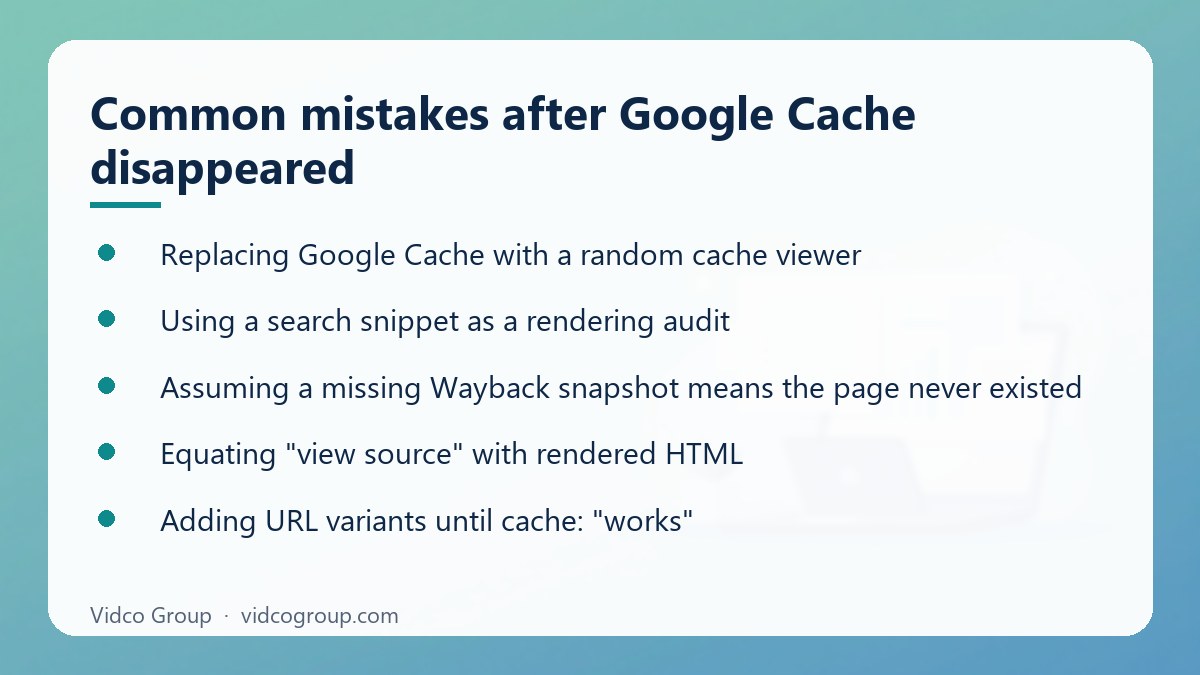
- Replacing Google Cache with a random cache viewer. Third-party services may show an old copy, their own crawl or a proxy response. Unless you can establish the capture date, request headers, source and URL normalisation, it is weak evidence for an SEO decision.
- Using a search snippet as a rendering audit. Titles and descriptions in results can be rewritten, truncated or taken from page content. A correct-looking snippet does not prove that the canonical is right, that JavaScript rendered the body or that links are crawlable.
- Assuming a missing Wayback snapshot means the page never existed. Archive coverage is incomplete. The page may have launched after the last capture or simply been missed.
- Equating “view source” with rendered HTML. View source shows the initial response and misses content inserted by JavaScript. The opposite error is also common: seeing text in your browser and assuming Google can use it, when a login, interaction, personalisation or an API response made it visible only to you.
- Adding URL variants until
cache:“works”. This does not restore a retired feature. Variants can produce different indexing results, duplicate pages or misleading tests. Use the exact URL in URL Inspection. - Adding
noarchiveto control Google’s cache. Google says the rule no longer controls cached links because the feature no longer exists. - Treating one clean test as proof. A single URL can hide a template-wide problem. Test several URLs per template and recheck after releases.
A practical investigation workflow
When a page changes unexpectedly, record the URL, the suspected event and the first known date. Then follow this sequence:
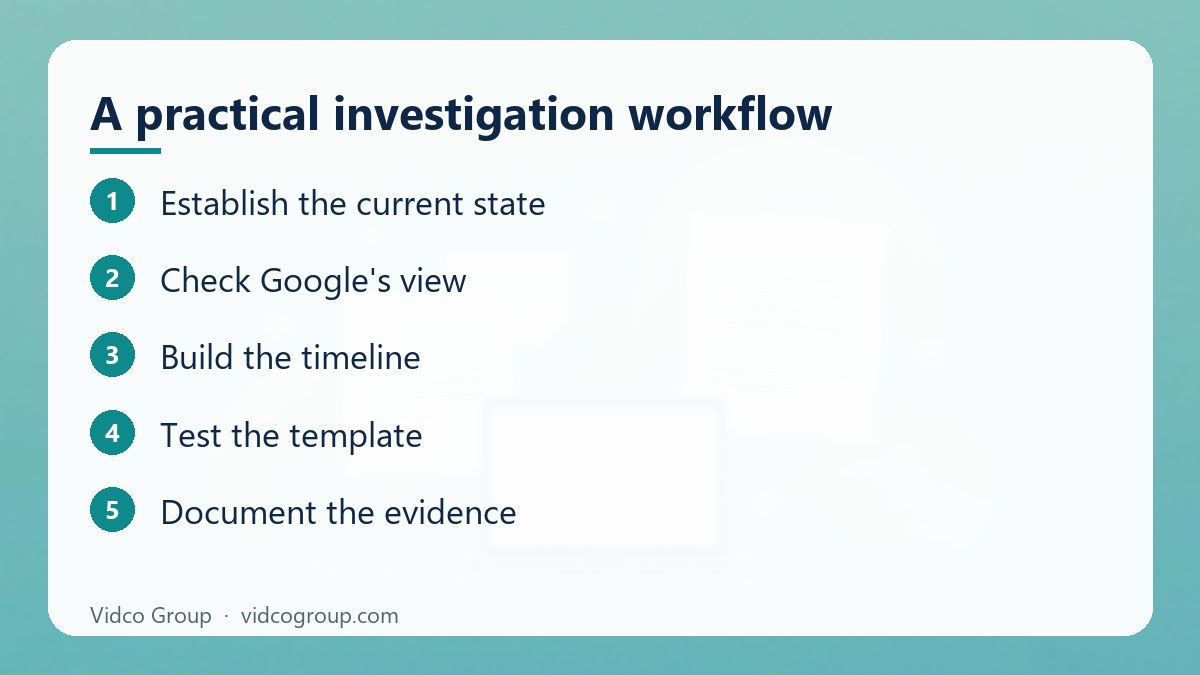
- Establish the current state. Fetch the URL, record status and redirects, and inspect the live DOM on desktop and mobile.
- Check Google’s view. Use URL Inspection to compare the indexed result with a live test. Note differences in canonical, indexing, crawl and rendered content.
- Build the timeline. Review Wayback captures, deployment records, CMS revisions and server logs around the suspected change.
- Test the template. Compare several URLs that use the same template. One page can hide a broader release problem.
- Document the evidence. Save screenshots, rendered HTML, timestamps, response headers and inspection results so another person can reproduce the finding.
For monitoring, run live checks after every significant template release, not only after a ranking loss. Recheck priority URLs within 24 hours of deployment and sample them again after 7 days. Keep historical captures and release notes for at least 12 months if the site has seasonal content or long sales cycles. That record is far more useful than trying to recover a cache copy that no longer exists. If you suspect that a sudden drop is caused by something other than your own changes, read Negative SEO: what is real, what is panic before reacting.
When to use which tool: decision table
| Situation | Start with | Then confirm with | Do not conclude |
|---|---|---|---|
| Rankings dropped after a release | URL Inspection (indexed vs live) | Wayback captures and deploy history | That the cache copy “proves” what Google saw |
| A competitor changed their page | Wayback Machine | Your own scheduled captures going forward | That a missing capture means no change |
| Content is added by JavaScript | Live rendering check | URL Inspection live test, rendering crawler | That visible in your browser means visible to Google |
| Need a record before a migration | Full crawl plus saved rendered HTML | Wayback as a secondary reference | That an external archive will hold everything |
| You do not own the site | Wayback and a live check | Public tools such as the Rich Results Test | That you can see Google’s last crawl |
| Bing visibility question on your own site | Bing Webmaster Tools URL Inspection | Live check | That Bing still offers a public cache |
Frequently asked questions
Is the Google cache: operator gone for good?
Yes, treat it as discontinued. Google removed the cached link in early 2024 and retired the operator afterwards, citing the improved reliability of the web. A failed cache: query does not indicate any problem with your page.
What is the official Google cache alternative?
Google does not offer a one-to-one replacement. For site owners, the URL Inspection tool in Search Console is the closest official diagnostic. For public history, Google added a link to the Internet Archive’s Wayback Machine in the “About this result” panel.
How do I see a Google cached version of a page now?
You cannot view a Google-hosted cached copy anymore. Use URL Inspection to see the crawled HTML and, in a live test, a rendered screenshot of the page. To see an older version, check the Wayback Machine.
Does Bing still have a cache?
No. Bing removed its cache links in December 2024 and dropped the cache operator. Site owners can use URL Inspection in Bing Webmaster Tools to see Bing-crawled content for their own properties.
Can I check how Google sees a competitor’s page?
Not directly. URL Inspection only works for properties you manage. For a competitor you can use the Wayback Machine for history and your own live rendering check to see what the page currently serves, but neither tells you what Googlebot last crawled.
Is the Wayback Machine reliable enough for SEO evidence?
It is useful as a timeline but incomplete. Captures can be missing, partial or lacking assets, and they do not prove how Google crawled the page. Pair them with deployment records, server logs and Search Console data.
Does noarchive still matter?
Not for Google’s cache. Google’s documentation says the rule is no longer used to control cached links because the feature no longer exists. Other services may interpret it differently, so check their own documentation if it matters.
How often should I capture my own pages?
Capture key templates after every significant release and recheck priority URLs within 24 hours and again after 7 days. For long sales cycles or seasonal sites, keep the records for at least 12 months.
Conclusion and next step
Google Cache was convenient because it put one old copy of a page behind a simple operator. The durable replacement is a three-part evidence model: Search Console for Google’s crawl and rendering signals, the Wayback Machine for historical context, and live testing for what the page does today. Use each for its proper job, and the loss of the cache becomes a change in workflow rather than a blind spot. This week, pick your five most important templates, run URL Inspection on one URL from each, and save the rendered HTML as your baseline.
Vidco Group can help: if you want a second pair of eyes on indexing, rendering or migration risk, our team can review your setup through our technical SEO service. You can also read Moz alternatives: what you actually lose by switching or contact us.
Sources
- Google Search Console Help: URL Inspection tool
- Google Search Central: Robots meta tag specifications (noarchive)
- Google Search Central: JavaScript SEO basics
- gHacks: Google confirms that cache links have been removed from search results
- SiliconANGLE: Google Search now links to the Internet Archive’s Wayback Machine
- Search Engine Roundtable: Bing officially drops the cache link
Updated: October 2026. This guide is general information for site owners and SEO practitioners; check each tool’s current documentation before relying on a specific feature.
Need an SEO, AEO or GEO strategy?
The Vidco Group team is ready to work with you